How to Design a Postcard for EDDM: Key Tips for Effective Direct Mail Marketing
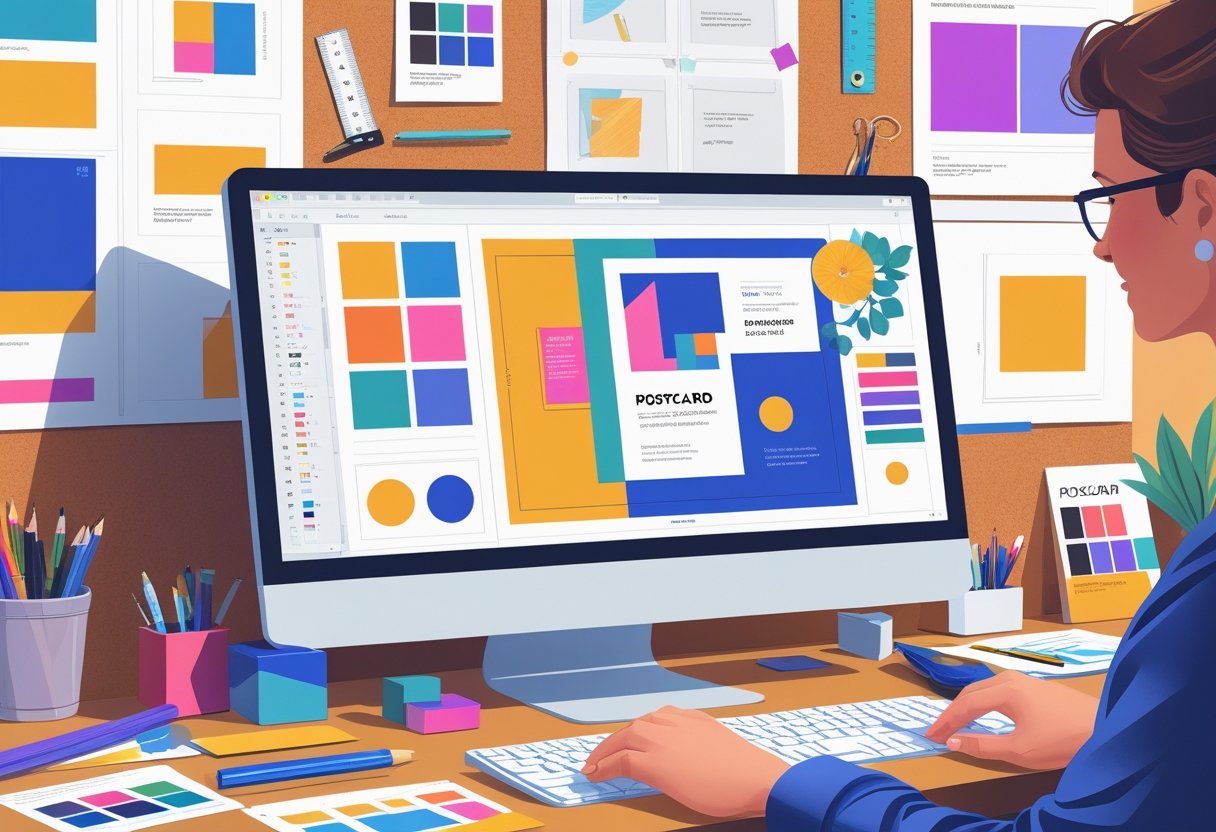
To design a postcard for Every Door Direct Mail (EDDM), size the piece to a USPS-approved EDDM flat size, reserve the top right corner of the address side for the indicia, and build the front around one clear offer, one strong image, and one call to action. Mail Processing Associates (MPA) prints, bundles, and labels EDDM mailings to USPS requirements from our Lakeland, Florida facility. The key is to focus on clear messaging, eye-catching visuals, and a strong call to action that resonates with your target audience. By understanding what elements attract attention and drive responses, you can create postcards that stand out in mailboxes.
To start, think about the information you want to convey. Use bold headlines and concise text to ensure your message is easily digestible. Incorporating attractive images related to your business will make your postcard visually appealing, helping it grab attention as soon as it arrives. Remember, simplicity often leads to clarity, allowing your recipients to absorb the information quickly.
For tailored support, consider partnering with Mail Processing Associates. Our expertise in Comprehensive Mailing and Printing Solutions equips you with the tools needed to optimize your designs for maximum impact. With our professional guidance, you can elevate your EDDM campaigns and effectively connect with your local community.
Understanding EDDM and Its Benefits
Every Door Direct Mail (EDDM) provides an effective strategy for your marketing efforts, enabling you to reach a broad audience without needing a specific mailing list. Understanding how EDDM works and its benefits will help you leverage this tool for your business growth.
What Is Every Door Direct Mail (EDDM)
EDDM is a service offered by the United States Postal Service (USPS) that allows businesses to send marketing materials to every mailbox within a targeted area. Unlike traditional direct mail, EDDM does not require mailing lists, making it accessible and cost-effective for various business types.
To utilize EDDM, you select specific routes based on demographics or geographic criteria. This enables you to reach ideal customers effectively. The most common format for EDDM is postcards, which can deliver key messages quickly and effectively.
How EDDM Works for Businesses
Implementing EDDM in your marketing strategy is straightforward. You begin by identifying your target area and the postal routes that align with your ideal customer profile. Once you have your locations, you create your postcard design and include compelling images and messages that resonate with your audience.
After preparing your postcards, you submit them to the USPS for distribution. Mail Processing Associates can assist you by providing high-quality printing and direct mail services, ensuring your postcards reach recipients with maximum impact.
Advantages of EDDM Postcard Marketing
Using EDDM postcards for marketing comes with several advantages. Firstly, it is a cost-effective option, as the per-piece mailing rate is lower than standard postage rates. This affordability allows you to reach a larger audience without significantly increasing your marketing budget.
Secondly, EDDM allows for targeted marketing where you select specific demographics, ensuring your message reaches the right people. Additionally, the postcard format is visually engaging, promoting strong brand recognition quickly.
Finally, EDDM can result in higher response rates. When potential customers receive your postcards in their mailboxes, they are more likely to engage compared to other forms of advertising. With the help of Mail Processing Associates, you can optimize your EDDM campaign effectively, using tailored solutions for your mailing and printing needs.
▶ Get EDDM pricing for your area - Learn more about our eddm mailing services
Planning Your EDDM Postcard Campaign
Creating a successful EDDM postcard campaign requires careful planning in three key areas: understanding your target audience, setting clear objectives, and selecting the right mailing routes and local post office locations. These elements will significantly enhance your campaign's effectiveness.
Defining Your Target Audience
To maximize the impact of your EDDM postcard, start by defining your target audience. Analyze demographic factors such as age, income, and interests. Segment your audience based on location, ensuring that the postcards reach households likely to engage with your offering.
You might consider using data from local surveys or existing customer profiles. This targeted approach not only increases the likelihood of responses but also optimizes your printing investment. Tailor your postcard design based on the preferences and behaviors of this specific group for a better connection.
Setting Campaign Objectives
Establishing clear campaign objectives is vital. Decide what you want to achieve: Is it increasing sales, raising brand awareness, or promoting a specific event? Setting SMART objectives - Specific, Measurable, Achievable, Relevant, and Time-bound - will guide your efforts.
For example, you may aim to increase foot traffic to your store by 20% within three months. Having clear goals allows you to measure success effectively and adjust your strategies as needed. This strategic focus enhances your overall EDDM postcard design and messaging.
Selecting Routes and Local Post Office Locations
Choosing the right mailing routes is crucial for a successful campaign. Utilize the USPS EDDM tool to identify routes that match your target audience's demographics. This tool allows you to see household counts and carrier routes in your desired areas.
Once you've selected the routes, coordinate with your local post office for mailing services. They can assist you with the preparation and delivery of your postcards. Mail Processing Associates offers comprehensive mailing and printing solutions tailored to meet your needs, ensuring an efficient campaign launch.
This thoughtful planning will help ensure your EDDM postcard campaign is both effective and impactful.
Designing an Effective Postcard for EDDM
Creating an impactful EDDM postcard involves carefully selecting the right template and incorporating essential design elements. A well-designed postcard not only catches attention but also drives engagement, ensuring your marketing efforts yield results.
Choosing the Right EDDM Postcard Template
Selecting an appropriate postcard template is crucial for your EDDM campaign. Look for an EDDM postcard template that fits your brand identity and message. Or skip the hunt and start from a verified EDDM template with the mail panel already placed.
Consider size and format - common dimensions include 6” x 11” or 8.5” x 5.5”. These sizes are effective for folding menus and provide ample space for visuals and information.
Ensure the template is customizable so you can integrate your unique branding elements. By using Mail Processing Associates, you gain access to comprehensive mailing and printing solutions, making customization seamless.
Key Design Elements for Eye-Catching Postcards
An eye-catching design consists of multiple elements that work in harmony. First, use bold colors that align with your brand. High-contrast designs tend to stand out.
Incorporate high-quality images relevant to your message. Visuals can attract interest and enhance the overall appeal of your postcard.
Keep your layout clean and organized, utilizing white space to avoid clutter. Be strategic in placing key elements to guide the reader’s eye, ensuring your message is easily digestible.
Crafting a Strong Call to Action
An effective postcard requires a compelling call to action (CTA) that prompts immediate response. Your CTA should be clear and concise, directing recipients on what action to take next.
Phrases like “Visit us today” or “Call now for a special offer” can create urgency. Ensure your CTA stands out on the postcard, perhaps by using a contrasting color or bold font.
Including your contact information is vital. Make it easy for potential customers to reach you. By working with Mail Processing Associates, you can create a postcard that not only looks great but effectively increases your response rates.
🗺 Free Tool - Plan your EDDM routes with our free map tool
Technical Requirements and Compliance
When designing postcards for EDDM, adhering to specific technical requirements is essential for successful delivery and compliance. Understanding size and format guidelines, along with the correct use of indicia, ensures your postcards meet USPS standards.
EDDM Size and Format Guidelines
EDDM postcards must adhere to strict size guidelines to qualify for mailing. Your postcards should be rectangular and can range from a minimum size of 6.25 inches x 9 inches to a maximum of 12 inches x 15 inches.
The thickness of the postcard should be between 0.007 inches and 0.016 inches to meet USPS specifications. Always ensure your design incorporates white space around the edges to avoid cutting off important information during printing.
In designing your card, remember to use vibrant colors and a professional layout to enhance engagement. Using high-quality images will also contribute to a polished appearance, ensuring your message stands out.
Using the Correct Indicia
Indicia placement is crucial for EDDM postcards. The indicia serves as verification that your mail qualifies for EDDM rates. Place this marking in the top right corner of your postcard. It should contain your business’s name, and the correct postal permit number.
Make sure the indicia is clearly visible and distinct from other design elements. Note that using a correctly formatted indicia can improve the likelihood of your postcards being processed smoothly by the USPS.
For businesses looking for tailored mailing and printing solutions, Mail Processing Associates provides comprehensive services that cater to your needs, ensuring full compliance with EDDM requirements.
Printing and Mailing Your EDDM Postcards
Creating effective EDDM postcards involves not just design, but also selecting the right printing service and understanding the mailing process. When you're ready, focus on the key details of printing and mailing efficiently to reach your target audience effectively.
Selecting a Postcard Printing Service
Choosing the right postcard printing service is crucial for your EDDM campaign. Look for a provider that specializes in EDDM postcard printing, ensuring they understand USPS requirements. Services like Mail Processing Associates offer tailored solutions for various business needs.
Consider the following attributes when selecting a printer:
- Quality: Check sample prints to ensure vibrant colors and crisp text.
- Sizes: Confirm they provide the approved sizes for EDDM.
- Material: Opt for durable cardstock to withstand mailing conditions.
- Turnaround Time: Ensure they can meet your deadlines.
Reliable printing services will not only help you produce attractive postcards but also guide you through compliance with postal regulations.
Packaging and Preparing Postcards for Mailing
Once your postcards are printed, the next step is packaging and preparing them for mailing. It's important to follow USPS guidelines for EDDM to avoid delays.
- Sorting: Group your postcards according to the delivery routes you've selected.
- Bundling: Create bundles of postcards, with a minimum of 50 cards per bundle, neatly stacked with the address side up.
- Labeling: Use the correct EDDM label, including route information, to ensure the local post office can efficiently process the mailing.
Using Mail Processing Associates for your printing and mailing needs simplifies this process, as they can assist with bundling and labeling to comply with USPS requirements.
Submitting to Your Local Post Office
After preparing your postcards, it's time to submit them to your local post office. Familiarize yourself with the specific requirements to avoid complications.
- Visit the local post office: Bring your bundled postcards and the necessary forms, such as the EDDM Retail Mailer form.
- Payment: Be prepared to pay for the mailing service, which is typically based on the number of pieces being mailed.
- Confirmation: Request confirmation of your mailing so you can track the delivery progress.
Understanding the submission process is key. By using a dedicated service like Mail Processing Associates, you ensure that your postcards are handled properly, maximizing the impact of your EDDM campaign.
Frequently Asked Questions
Designing an EDDM postcard requires careful attention to specific guidelines and marketing strategies. Knowing the requirements, effective design techniques, and available tools can significantly enhance your direct mail campaign's success.
What are the USPS requirements for EDDM postcard dimensions?
The USPS requires an EDDM piece to be larger than letter size, taller than 6.125 inches or longer than 11.5 inches, and no larger than 12 x 15 inches. Additionally, the postcards should be at least 0.007 inches thick. Following these dimensions ensures that your postcards are eligible for EDDM mailing.
How can I design an EDDM postcard for effective direct mail marketing?
To create an impactful EDDM postcard, start with a clear call to action. Use concise messaging that communicates your offers and benefits. Make sure to include your business name and contact information prominently.
Which online tools are recommended for creating EDDM postcards?
Several online design tools are suitable for EDDM postcards. Browser-based design programs and Adobe Express offer user-friendly templates tailored for direct mail. These tools simplify the process of designing visually appealing postcards.
Where can I find templates for EDDM postcards?
Templates specifically for EDDM postcards can be found on most browser-based design sites. Additionally, Mail Processing Associates provides customized solutions to help you create professional-grade EDDM postcards.
What guidelines should I follow when designing the layout of an EDDM postcard?
Ensure your postcard layout is clean and organized. Use a visual hierarchy to guide the reader's eye, with the most important information placed at the top. Balance images and text for a professional appearance.
How do I choose the best color scheme and imagery for my EDDM postcard?
Select colors that align with your brand and evoke the desired emotional response. Use high-quality images relevant to your message and audience. A cohesive color scheme coupled with engaging visuals can significantly enhance your postcard's effectiveness.
Do I need a mailing list for EDDM?
No. EDDM does not require a mailing list, because USPS delivers your postcard to every address on the carrier routes you select. You choose those routes by geography and demographics instead of buying or building a list of names.
How many postcards do I have to mail with EDDM?
EDDM requires a minimum of one full carrier route (or 200 pieces), and you have to mail every address on each route you select. That is what makes EDDM a saturation product: you cannot cherry-pick individual households inside a route.
Where does the indicia go on an EDDM postcard?
The indicia goes in the top right corner of the address side of the postcard, and it has to show your business name and the correct postal permit number. Keep it clearly visible and separate from other design elements so USPS can verify the piece qualifies for EDDM rates.
How long does it take for EDDM postcards to reach mailboxes?
USPS in-home delivery usually runs 3 to 14 business days after the mailing is dropped. Build that window into your campaign timeline, especially when the postcard promotes a dated event or a limited-time offer.
"The marketing-mail margin most teams leave on the table is presort discipline. The difference between a 5-Digit automation-rate piece and a Mixed-tier piece is about 7 cents each. On a 25,000-piece drop that's real money, and nine times out of ten the list could have presorted cleaner."
Cat Boye, Head of Commercial Operations, Mail Processing Associates
Official reference: USPS Every Door Direct Mail (usps.com).